Best CapCut Alternatives (2026) for Android, iPhone & PC
If you’ve been using CapCut for a while, you may have started looking for other video editing apps. Maybe you need something that runs better on your device. Maybe you’re not happy with the recent changes, or you simply want to explore an editor that suits your editing tasks better. Whatever the reason, you have plenty of good options to choose from.
The truth is, there isn’t a single video editor that’s perfect for everyone. Some apps are built for quick social media edits, while others are designed for creators who need more advanced tools. In this guide, we’ll compare some of the most popular CapCut alternatives for Android, iPhone, and PC. By the end, you’ll have a much clearer idea of which video editor fits your needs best.
Why are creators switching from CapCut?
People don’t usually stop using an app just because a new one becomes available. Most creators start looking for alternatives when they face a problem affecting their editing experience. While CapCut is still a capable editor, different users have different priorities, and that’s why many of them explore other options.
Privacy concerns

In 2025, ByteDance-owned apps, including CapCut, received increased attention over privacy and data collection practices. This made many users more conscious about the permissions they grant and encouraged them to look for alternatives they trust more.
High pricing for premium features

Many advanced features in CapCut are now locked behind the Pro subscription. If you don’t want to pay every month, switching to another editor with more free features can be a better option.
Device compatibility issues

CapCut runs smoothly on most newer devices, but older phones and PCs may experience lag or slower exports. Many users choose lighter editors that perform better on their hardware.
Different editing needs

Every creator has a different editing style. Some need AI tools and advanced effects, while others just want a simple editor for quick videos. Choosing the right app makes editing much easier.
Comparison of the top CapCut Alternatives
With so many video editing apps available today, choosing the right one can feel confusing. A person who needs a basic editing tool would never want to get confused by professional editors. The table below compares some of the most popular CapCut alternatives to help you quickly find the one that matches your editing needs.
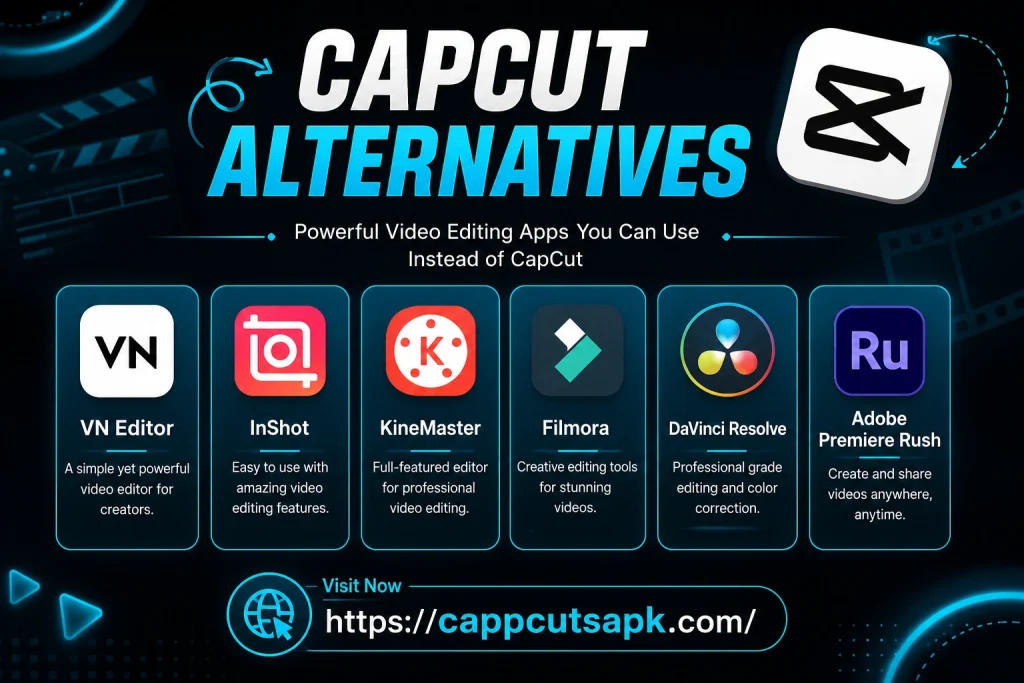
| App | Best for | Platform | Free version |
| VN Editor | Advanced Editing | Android, iPhone, Windows, Mac | Yes |
| InShot | Quick short videos | Android, iPhone | Yes |
| KineMaster | Advanced mobile editing | Android, iPhone | Yes |
| Filmora | AI editing for beginners | Windows, Mac, Android, iPhone | Yes |
| DaVinci Resolve | Professional video editing | Windows, Mac | Yes |
| Adobe Premiere Rush | Cross-device editing | Windows, Mac, Android, iPhone | Yes |
CapCut Alternatives for Android, iOS, and PC
Not every video editor is built for the same type of creator. Your choice should depend on the device you use and the type of videos you create. Below are some of the most popular CapCut alternatives along with their features. Choosing the right one will definitely lower the time and cost for your editing.
For Android and iPhone
For PC and Mac
Which CapCut Alternative should you choose?
Every video editor has its own strengths, so the right choice depends on what you expect from it. Someone creating quick social media videos won’t need the same tools as a creator editing long YouTube content or client projects. Instead of trying every app, it’s better to start with one that matches your editing style, the device you use, and the features you need most.
- If budget is your biggest concern, VN Editor is one of the strongest free alternatives available. It offers advanced tools like keyframes and multi-layer editing without locking most core features behind a subscription.
- InShot is a great option for creators who mainly edit Instagram Reels, TikToks, or YouTube Shorts. Its simple interface makes it easy to create and export videos in just a few minutes.
- Need more creative control? KineMaster gives you features like chroma key, blending modes, and multiple video layers, making it a solid choice for detailed mobile editing.
- For beginners, Filmora keeps the learning curve short while offering AI-powered tools that help create polished videos with very little effort.
- DaVinci Resolve stands out if you’re editing YouTube videos, client projects, or professional content. Its advanced colour grading, audio editing, and post-production tools are difficult to match.
- If you regularly work across multiple devices, Adobe Premiere Rush lets you start editing on your phone and continue on your PC or Mac without interrupting your workflow.
The recommendations above can help you decide which CapCut alternative is the best fit for your workflow without making the choice feel overwhelming. No single app is perfect for everyone. The best choice is the one that fits your device and the type of content.
Final thoughts
CapCut is a great video editor, but it isn’t the only option available. Whether you want more free features, better performance, or tools that match your editing style, there’s an alternative that fits your needs. Take a look at the editors we’ve compared, choose the one that suits your workflow, and start creating videos with confidence.